APRIL 5, 2026
My website is a vibe. I'm turning into a system
Eight months ago I built my website with Claude Code and vibes. It worked until I tried to scale it,

I built my website with Claude Code about eight months ago. My goal was to use it as a playground where I try different ideas and experiment with building with AI. And.. it kind of worked. I was able to ship a real site with Next.js, deployed on Vercel, proper CI/CD pipeline, clean component architecture. It felt serious.
The problem is the foundation was vibes. And "vibes" don't scale.
The second I tried to add new pages, things started breaking in ways that were hard to explain. The site runs fine, but visually, it was all over the place. Headings at different sizes across pages for no reason. Buttons with inconsistent padding. Mobile layouts on new pages that looked nothing like the originals. Accessibility flags I had never looked at. Contrast ratios I had never checked. Focus states I had never defined.
I hadn't established any of it. I had just built component by component, screenshot by screenshot, and Claude obliged every time. Because that is what Claude does. It builds whatever you describe. It does not push back. It does not say "you haven't defined a spacing grid yet." It just builds.
The core issue was that I had never given Claude anything structured to work from. No brand. No spec. No system. So it improvised, every single time. And eight months of improvised decisions compounded into something that looks coherent from a distance and falls apart the moment you look closely.
So I'm using these Claude Code skills to fix and build it properly.
What are Claude skills, exactly?
Before getting into the four, it helps to understand what a Skill actually is.
Think of Claude like a brilliant new hire. But on day one they know nothing about your brand, your components, your design decisions or why you made them. A Skill is how you transfer that knowledge. It is a structured file that Claude loads before it works, so instead of improvising from context, it is working from a defined foundation.
Some Skills are knowledge, what things are and why. Others are capabilities, how to do specific tasks. The ones I built fall into both categories, and together they form the system I should have started with.
1. Impeccable
Install: npx skills add pbakaus/impeccable
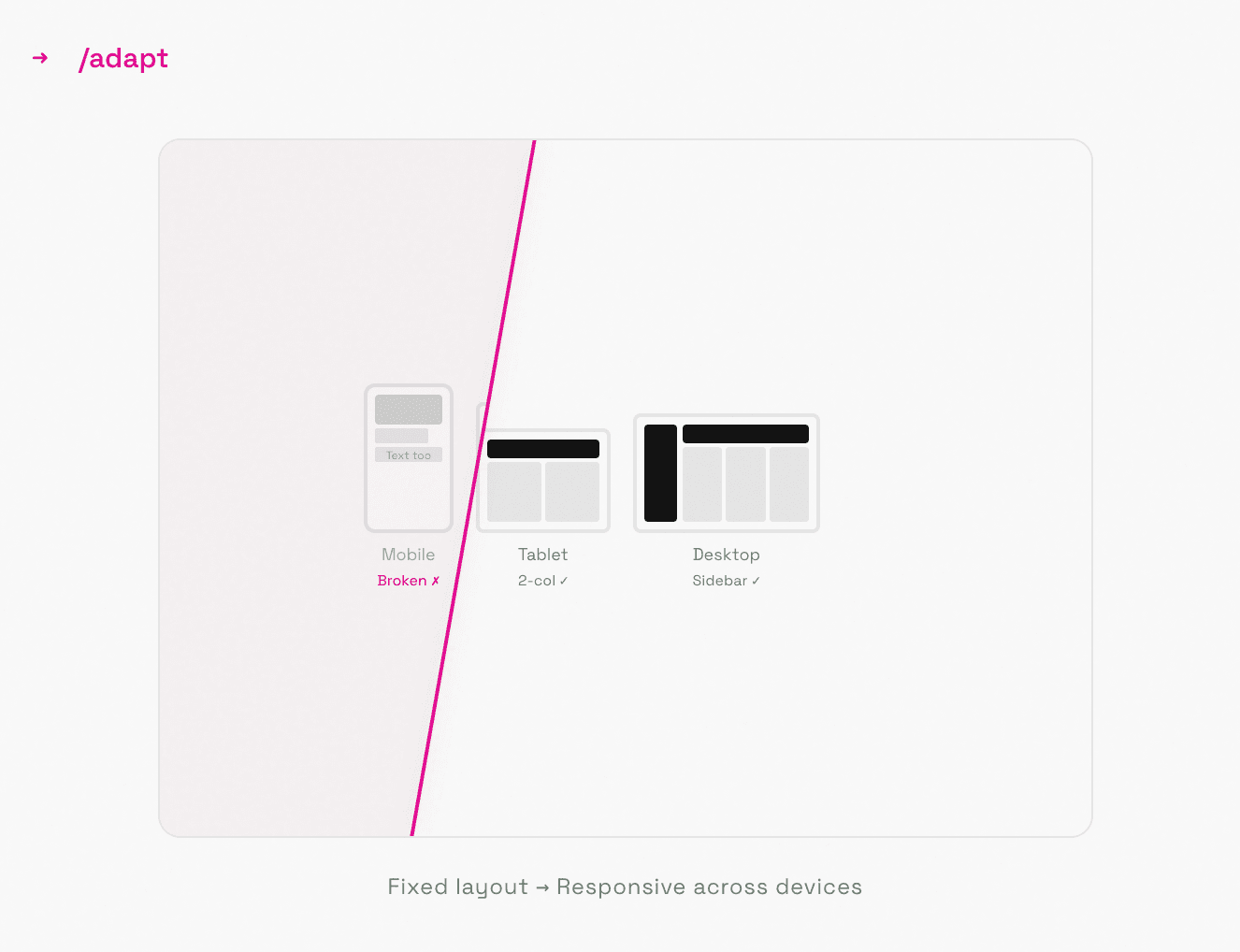
Built by Paul Bakaus. 20 slash commands, a design vocabulary layer, and an explicit anti-patterns list of things Claude should never produce. The 3 I use most:
/audit runs a scored pass across accessibility, performance, responsive design, and visual quality with P0 to P3 severity ratings. It includes one specific check: does this look AI-generated? It lists the tells and does not soften the answer.
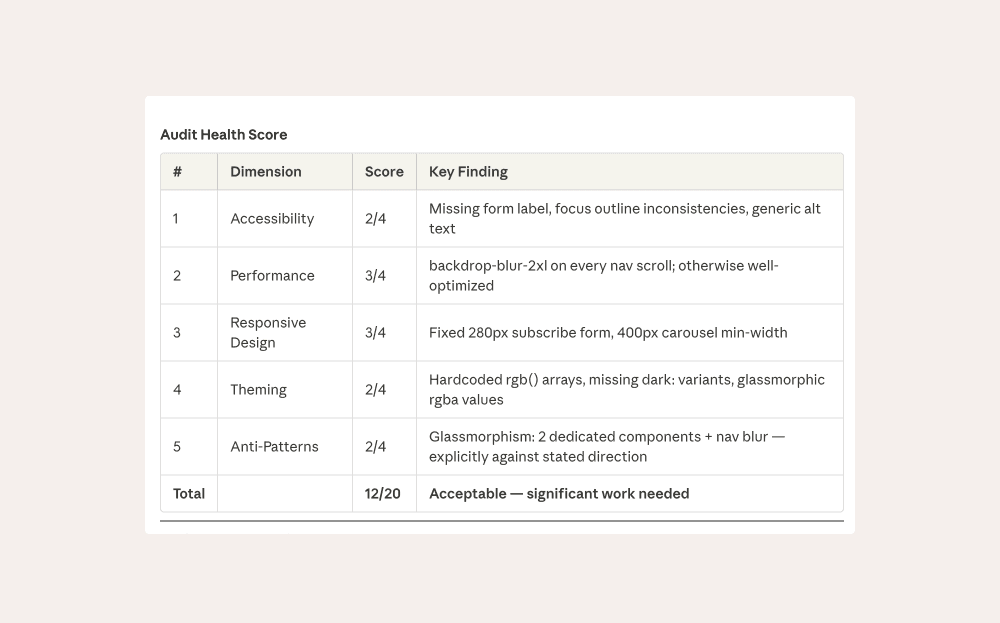
This was my audit health score. Auch. I'm definitely, going to work on this first.
/critique scores against Nielsen's 10 heuristics, tests against persona archetypes, and assesses cognitive load.
/polish is the final pass before anything ships. Alignment, spacing, the details that separate something finished from something functional.
You can chain them as a workflow: /audit to surface problems, /normalize to bring things back into the system, /polish to close it out. Commands also accept an argument to target specific areas, like /audit hero or /critique checkout.
Before running anything, /teach-impeccable collects your project context and saves it to .impeccable.md. Every command after that works from your actual project, not a generic average.
2. Brand guidelines
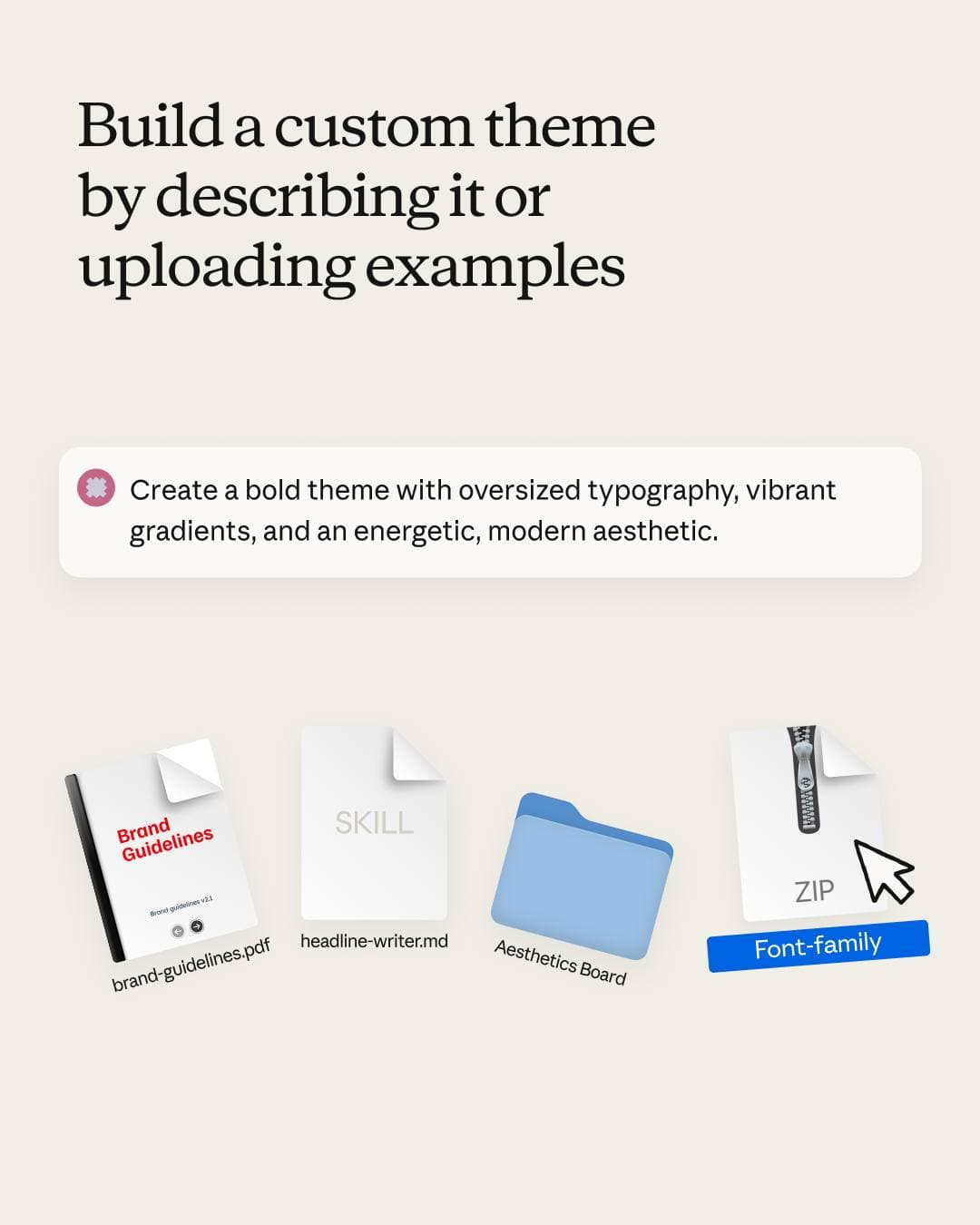
This is not a third-party plugin. I built it directly with Claude using Anthropic's skill-creator and their documentation on how skills are structured.
The process: I described what the site was for, who it was for, what I wanted it to feel like. Pasted in references. Explained what I did not want. Claude drafted the SKILL.md. I edited until it was accurate.
It needs to be a skill and not just a document because Claude has to load it actively. When it is writing microcopy, choosing between two layout directions, or deciding how much motion is appropriate, brand guidelines are the filter. Without it, every decision defaults to the statistical average of what Claude has seen. With it, decisions have a standard.
3. Anthropic's frontend design
Install: /plugin marketplace add frontend-design inside Claude Code
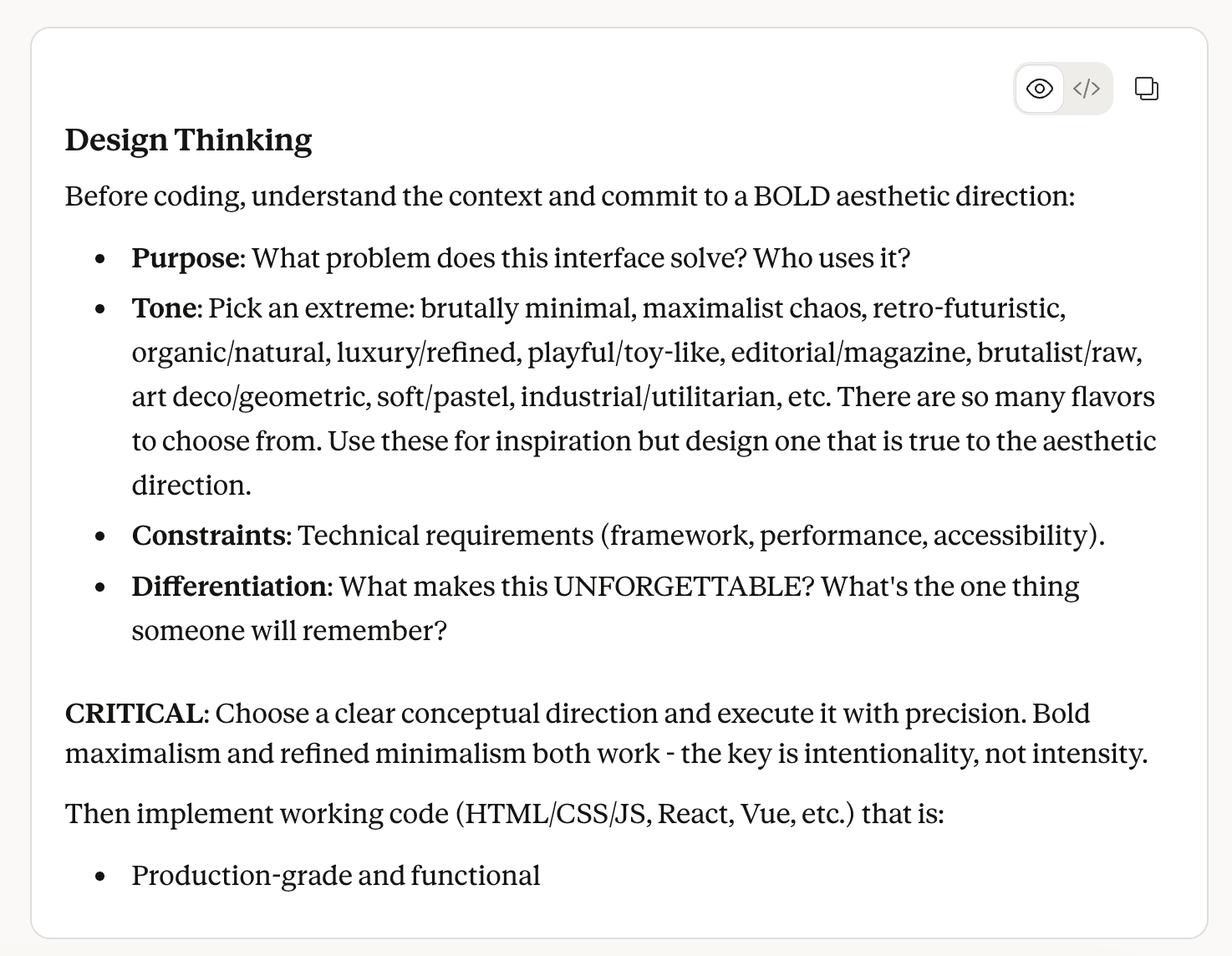
Anthropic's official skill, sitting at 277,000 installs. The problem it solves has a name: distributional convergence. Models predict tokens from statistical patterns in training data, and safe design choices dominate that data. Without direction, Claude produces Inter font, purple gradient, card grids. Not wrong. Just forgettable.
The skill forces aesthetic commitment before a single line of code gets written. It asks what the interface is for, who uses it, what it should feel like, then executes deliberately across typography, color, motion, and layout. It also includes a hard anti-patterns list covering things like pure black without tinting, gray text on colored backgrounds, and bounce easing.
Invoke it with /frontend-design and describe what you want to build.
4. Interface Design
Install: /plugin marketplace add Dammyjay93/interface-design
This is the specification layer and the one that solves a problem the others do not: Claude forgets your design decisions between sessions. Every new conversation, it starts fresh. Which means without something persisting your decisions, every component is another opportunity for drift.
Interface Design fixes this by saving your system to .interface-design/system.md and loading it automatically at the start of every session. Spacing grid, color palette, depth strategy, border radius, component patterns. It also ships with six pre-defined design directions to start from, including Precision and Density for developer tools, Warmth and Approachability for consumer apps, and Data and Analysis for analytics interfaces.
The commands:
/interface-design:init scans your project, infers the product type, suggests a direction, and asks one question to confirm before saving anything.
/interface-design:audit <path> checks existing code against your saved system. This was the first thing I ran, to see exactly where and how far my components had drifted.
/interface-design:extract pulls design patterns from existing code into your system file, useful when inheriting decisions already baked into a codebase.
/interface-design:status shows the current saved system at any point.
The honest part
Building vibe-first got me somewhere real. A working site, live infrastructure, shipped product. I got some nice traction from it.
But there is a point where vibe becomes debt. For me it was the moment scaling meant every new page felt bolted on instead of native. The infrastructure held.
The skills do not erase that debt automatically. I still have to go back through existing components and bring them into spec. But now I am working against a defined standard, not guessing at what correct looks like.
The shift is not Claude doing more. It is Claude finally having something real to work from.